


NEW RELEASE
Embodied Carbon Calculator V8.0
Now packed with more features and a focus on automated, fast and simple report outputs - available exclusively via our new online community, Meshwork.
What is the EC Calculator?
Our FREE Embodied Carbon Calculator V8.0 gives a valuable insight at the very early stages of the design process allowing you to discover how the embodied carbon of your design is affected by material choice and how your it compares to the RIBA 2030 and LETI carbon alignment targets.
The EC Calculator:
- Allows you to discover and calculate relative embodied carbon values for a wide
- range of popular building materials and typologies
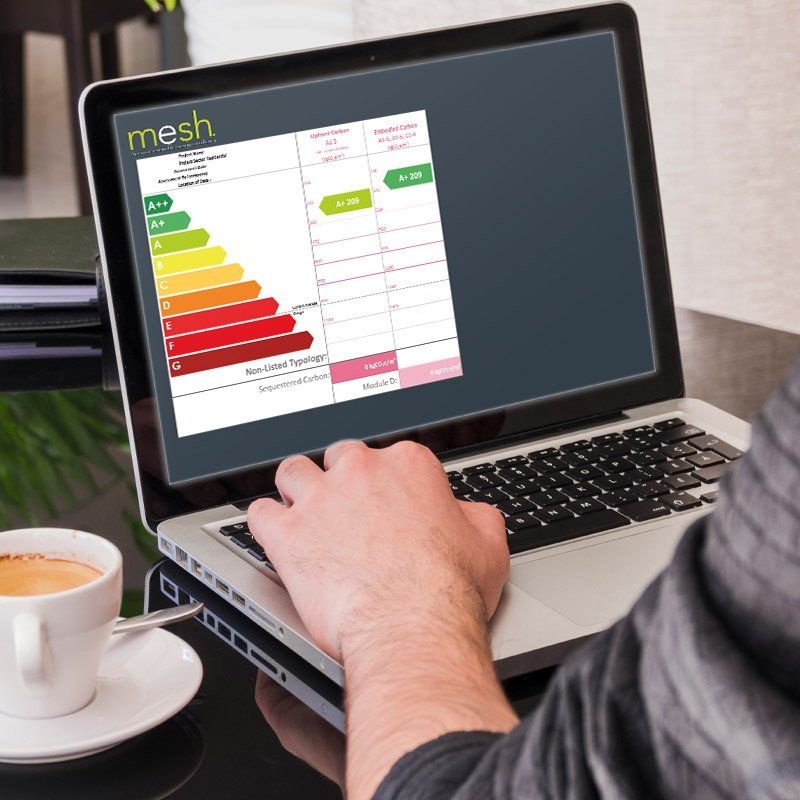
- Offers you automated, fast and simple one page carbon reporting
- Provides instant feedback on conceptual building designs
- Allows you to check your designs against the RIBA 2030 Climate Challenge or LETI benchmarks
- More clarity on carbon impact of different construction methodologies
- Easier comparison between RIBA and LETI targets
New Features in V8.0:
The latest version allows you more flexibility and tailoring to provide a better overall
accuracy for embodied carbon calculations. You can now:
Input areas, thicknesses, and volumes
Input key building services data
‘Search’ function for materials
Choice between metric and imperial input choices
Updated material data
More bespoke material input fields
Input fields for volumetric material quantities
Updated ‘building services’ choices
New roof and exterior wall type inputs
As well as. . .
Building key external elements
up in layers
Obtaining automatic indication of Upfront and Embodied Carbon letter rating
Obtaining immediate indications
of U-values
Automatically populating the ‘Carbon Reporting Template’

How to make the most of the EC Calculator
The tool primarily relies on you inputting the key materials, areas and thicknesses for all the key building elements. As you work through the building you add in doors, windows and building services too. Having chosen your building technologies, you instantaneously find out how your building design stacks up and the embodied carbon rating of the design.
Download today for your next project!
The Mesh Embodied Carbon Calculator V8.0 is available for you to download FREE today via Meshwork, our new online community.
Create your free profile in Meshwork today and we'll send you the EC Calculator. We have a group within the community to answer any questions and to support the use of the tool.